Adding a Camera
Only video in h264 and h265 codecs is supported
On the homepage, click on the ➕ symbol in the top left corner, next to the logo.

In the input field, specify the link to the camera's RTSP stream. The exact format can be found in the camera's manual or using ONVIF Device Manager on Windows platforms.
HTTP (HLS/DASH) and RTMP streams can also be specified.
rtsp://192.168.1.10:554/user=admin&password=&channel=1&stream=0.sdp?
Click Check.

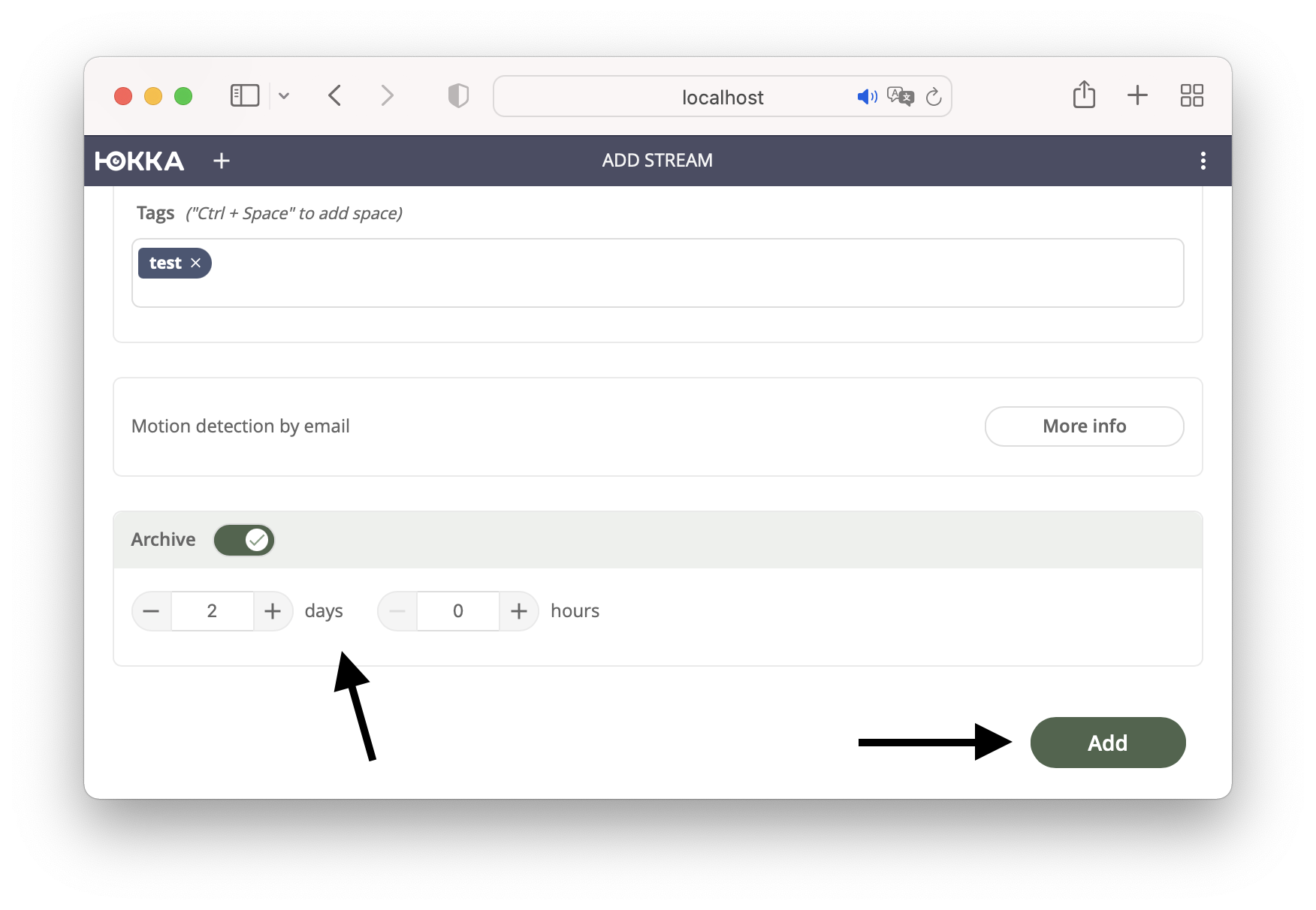
If the stream is available, you will see a preview image and the video/audio parameters. Then fill in the name field; the description and tags fields are optional.

Below, you can enable archive and specify the retention period.
Yucca does not monitor free space, you need to do this yourself. A function for automatic purging and overwriting of the archive based on disk usage will be available in the future.