What's new in Yucca 0.4.0
19.11.2020
Requiring FFmpeg
The changes needed for the new stream-adding page require the FFmpeg package to be installed, so that we can get information about the source before adding it to the server.
For macOS users, the FFmpeg package can be installed with Homebrew:
brew install ffmpeg
For Linux distribution users, see the updated installation page for details.
New stream-adding page
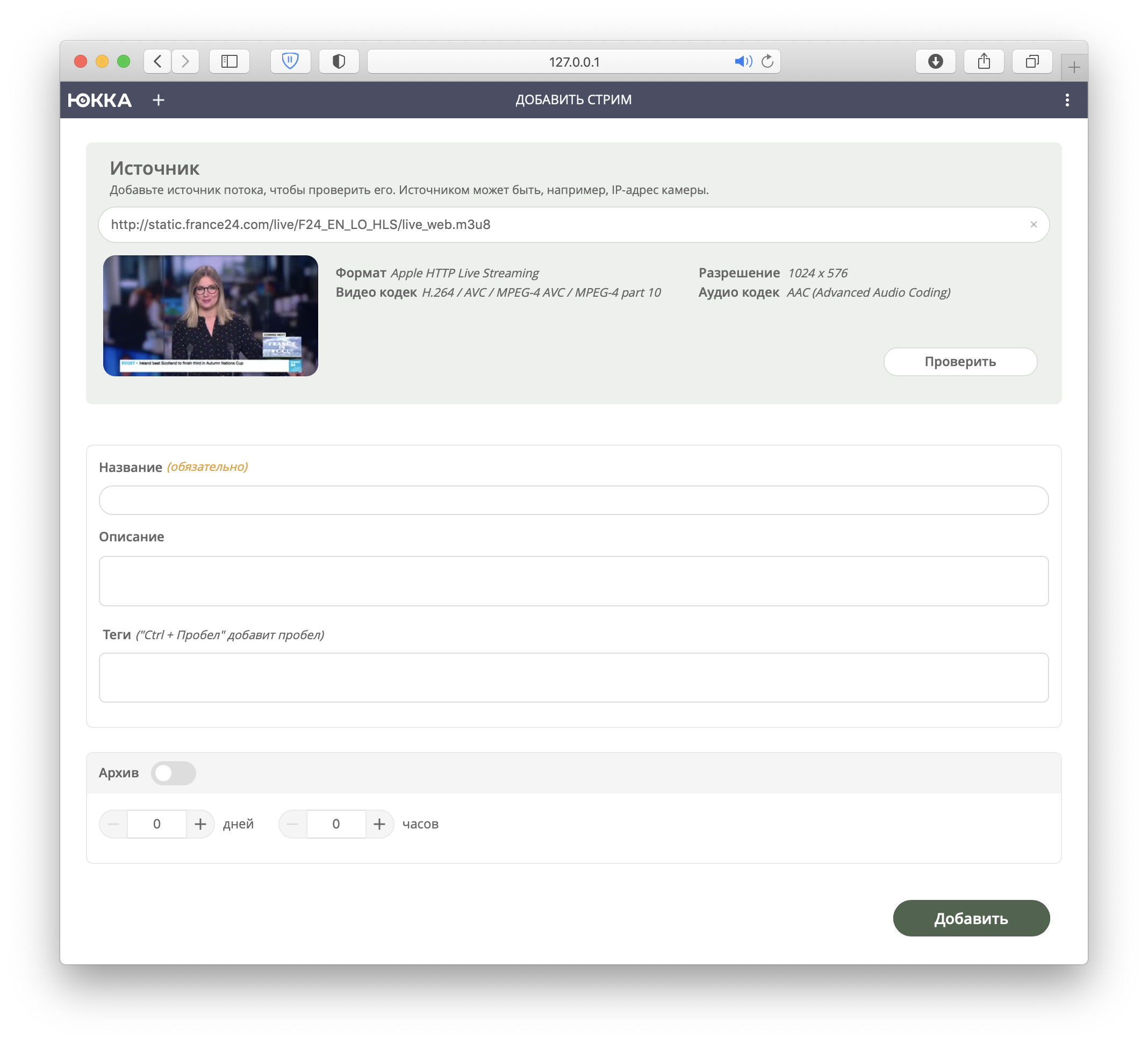
Instead of a simple address input field, we now fetch detailed information about the source and show a preview:
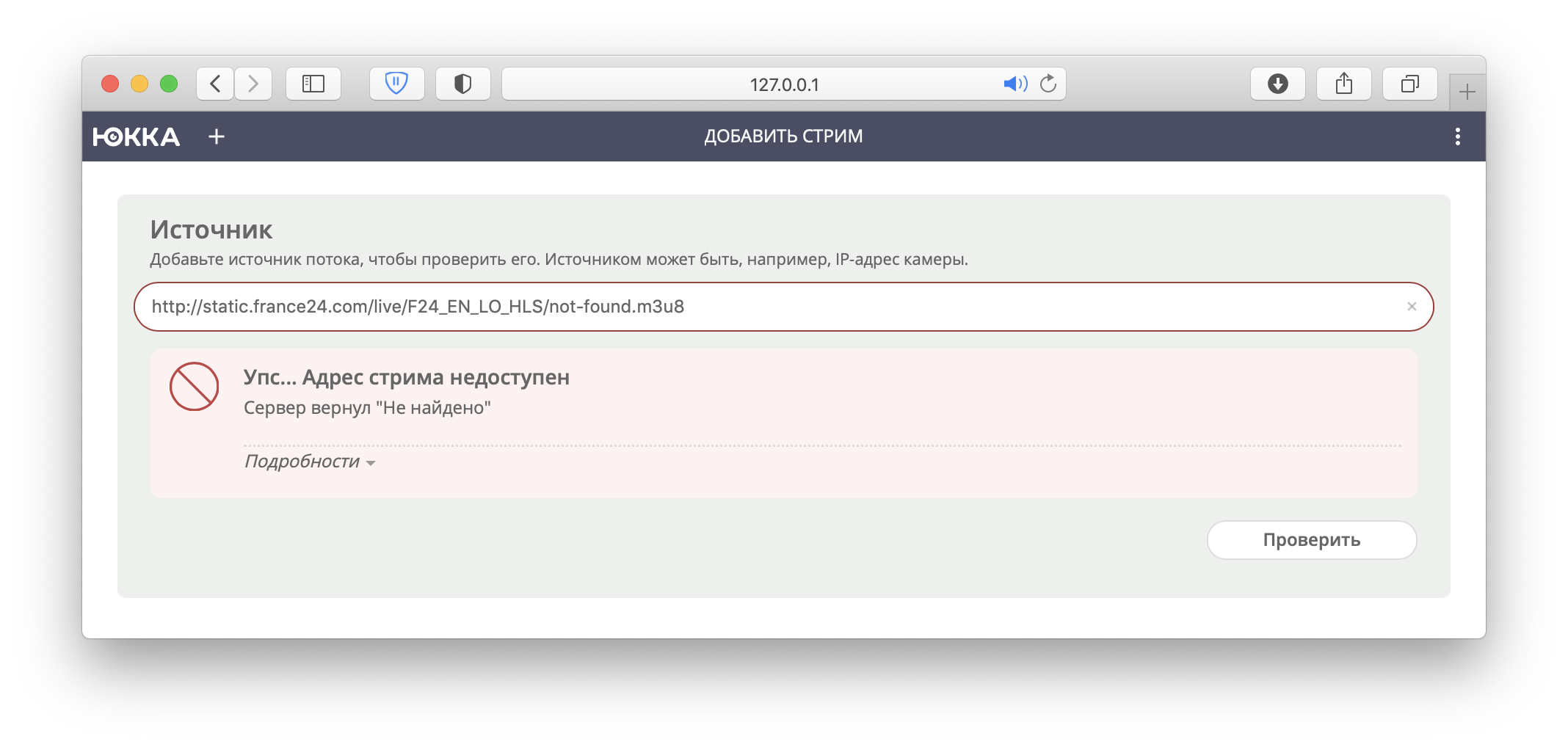
If the source is unavailable, you get an informative message:
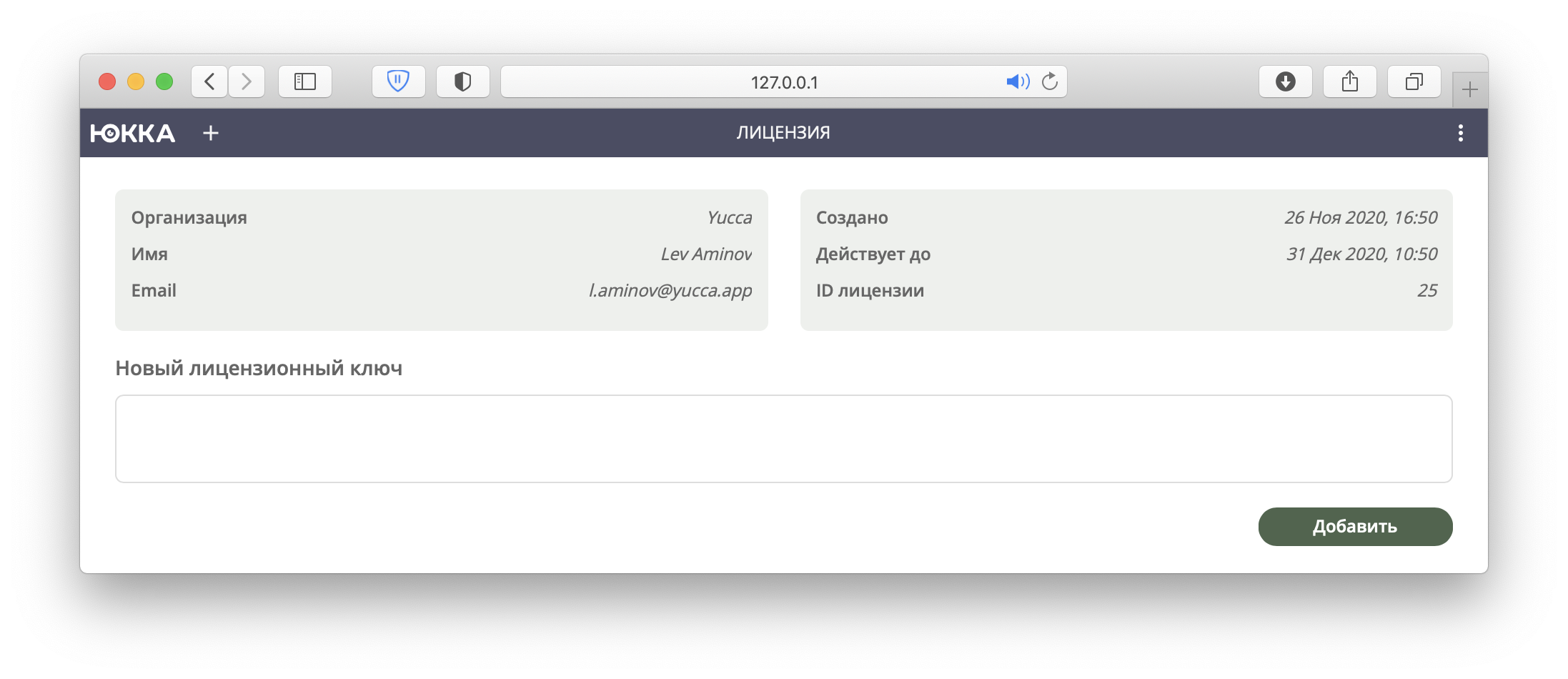
License management interface
Adding and tracking license status is now easier:
Global stream quota
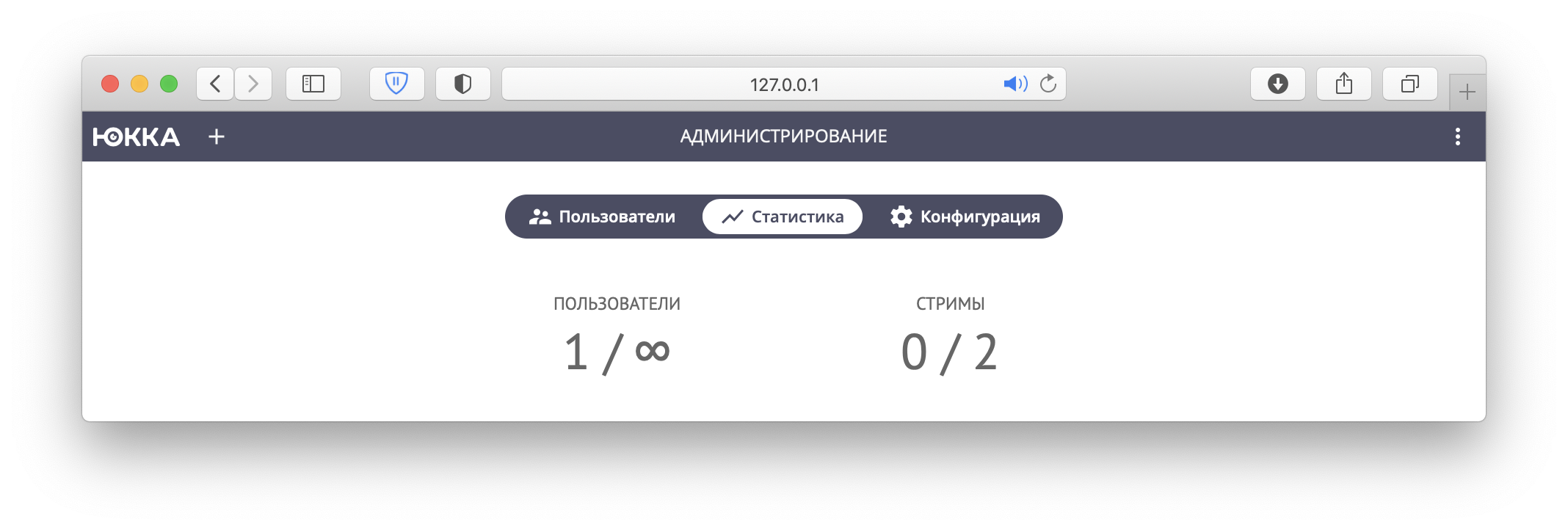
A new block was added to the server configuration — quota. It lets you limit the maximum number of users or streams on the server; once the limit is reached, the user gets an error.
The current number of users and streams, as well as the configured quota, can be seen on the statistics page:
Ukrainian language
We couldn't skip this milestone either — the interface now supports Ukrainian:
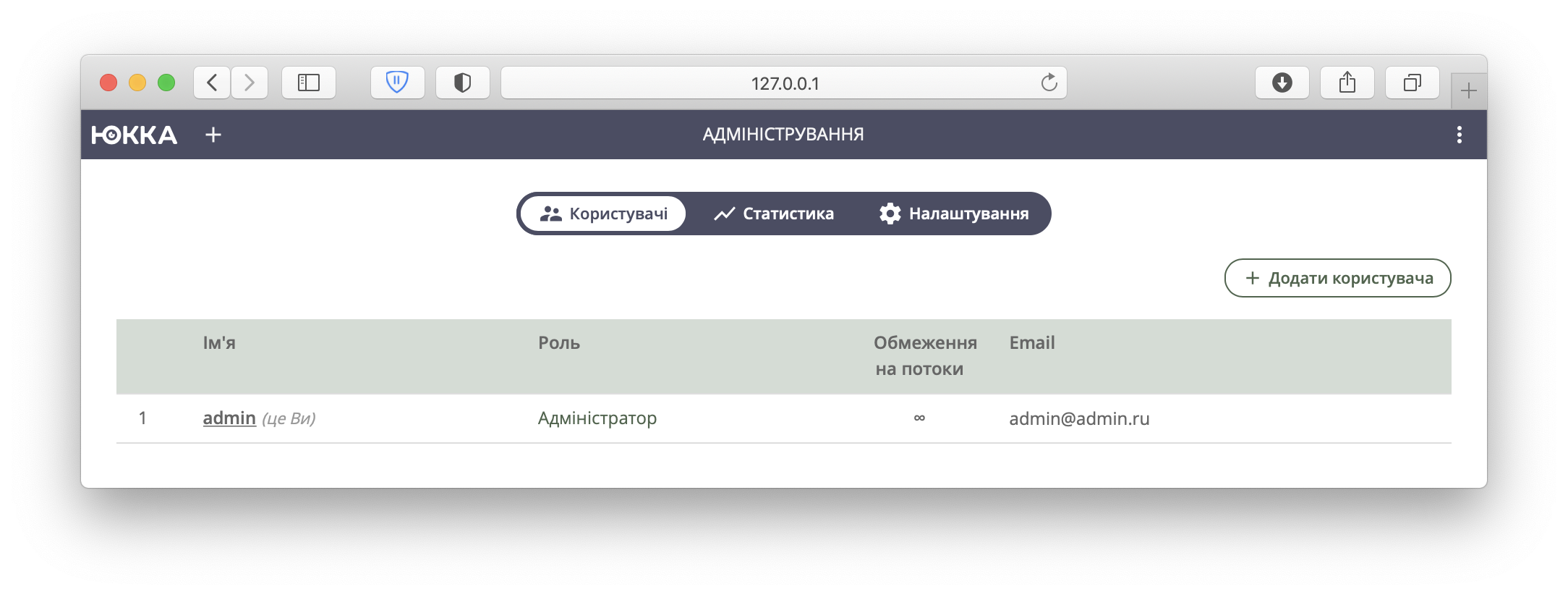
If you notice any inaccuracies in the translation, write to us by email or in the Telegram chat.
Other changes
Added
- Handle the License Expired error (#603)
- Report license expiration time in metrics (#532)
- Stream errors for the user (#535)
- Log level for the worker (#544)
Changed
- Move the worker into a separate application (#555)
- Change the default bind IP from 127.0.0.1 to 0.0.0.0 (#600)
- Change the default configuration file path (#595)
- Update FFmpeg from 4.2.2 to 4.3.1 (#620)
- Switch the server to ReadOnly after the trial period ends (#587)
- The prober should return only media streams (#599)
- Split the HTTP client into versions with and without interceptors (#601)
- Increase the timeout on the add-stream method (#619)
Fixed
- The UI doesn't handle errors for an expired license (#606)
- The Name field isn't marked as required on the add-stream form (#618)
- Streams don't park on ARM (#613)
- No preview is created for RTSP streams on the stream-creation page (#638)
- The native prober doesn't work correctly on 32-bit systems (#523)
- Incorrect pointer positioning when clicking an unavailability segment (#635)
- Disable browser autofill in Safari (#531)
- Error 500 when adding a stream: pq: value too long for type character varying(255) (#626)
- A 404 error page is shown after deleting a stream (#585)
- Store only a low-resolution image for the preview (#598)
What's next?
To upgrade from 0.3.1 to 0.4.0, check the upgrade guide. Installation instructions can be found in the Installation section.