What's new in Yucca 0.6.0
19.08.2021
Configuration parameter override order
Changes in this version bring the parameter override order to the traditional sequence — this may affect your configuration when upgrading from a previous version.
Take a look at the previous and updated configuration priority:
- Before
- After
- command line arguments;
- file;
- environment variables;
- file;
- environment variables;
- command line arguments;
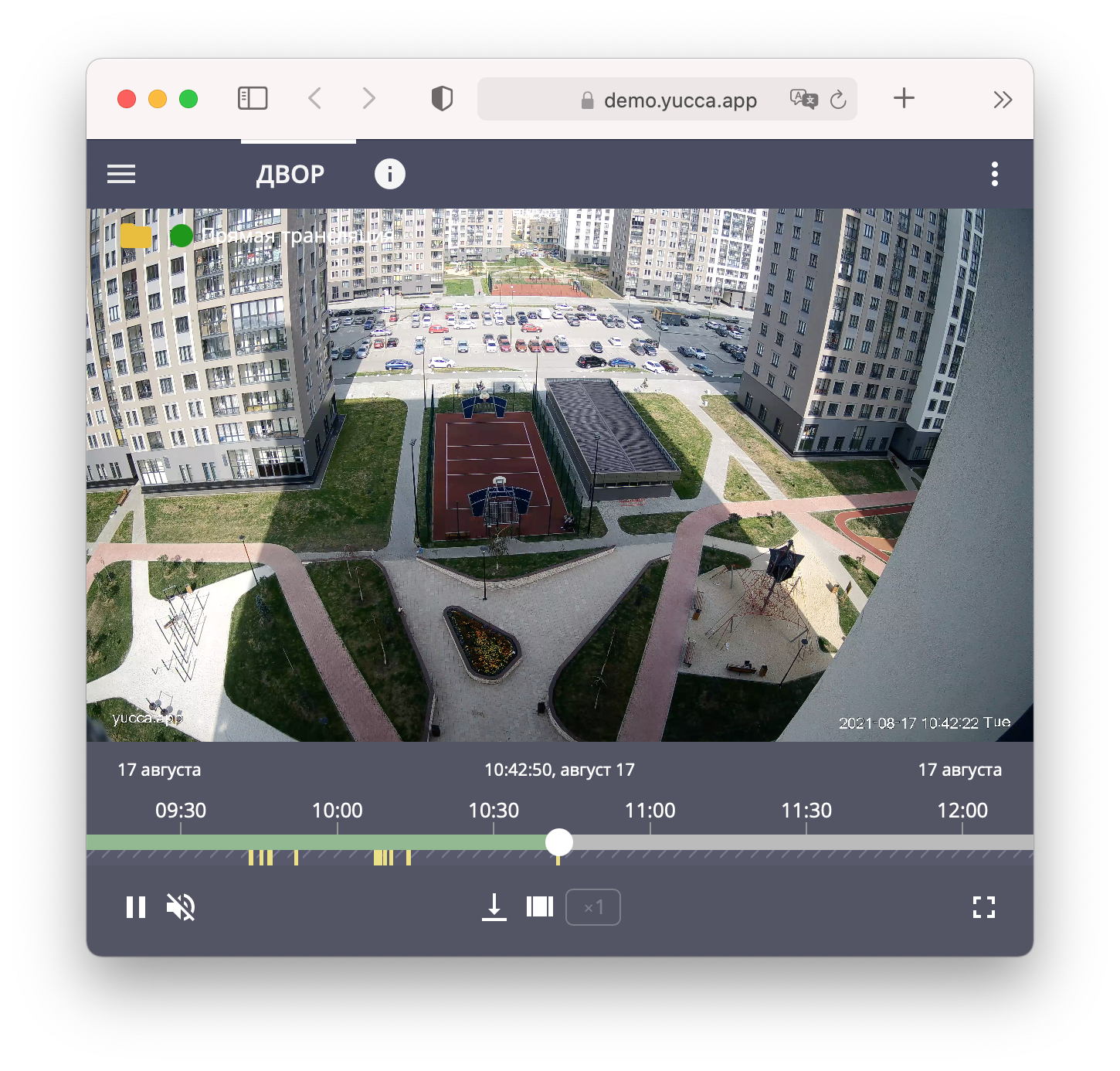
Motion detection (receiving events by email)
We implemented a feature that lets you configure notifications sent from the camera to the server, so that markers appear on the timeline.
For details on configuring the server and cameras, see the dedicated documentation section.
Working without Docker
This feature removes the dependency on Docker. As a result, CPU load is reduced, some network restrictions are lifted, and responsiveness increases.
We are currently actively improving this functionality and do not recommend using it in production environments. Please report any issues through the bug tracker — https://gitlab.com/yuccastream/yucca/-/issues.
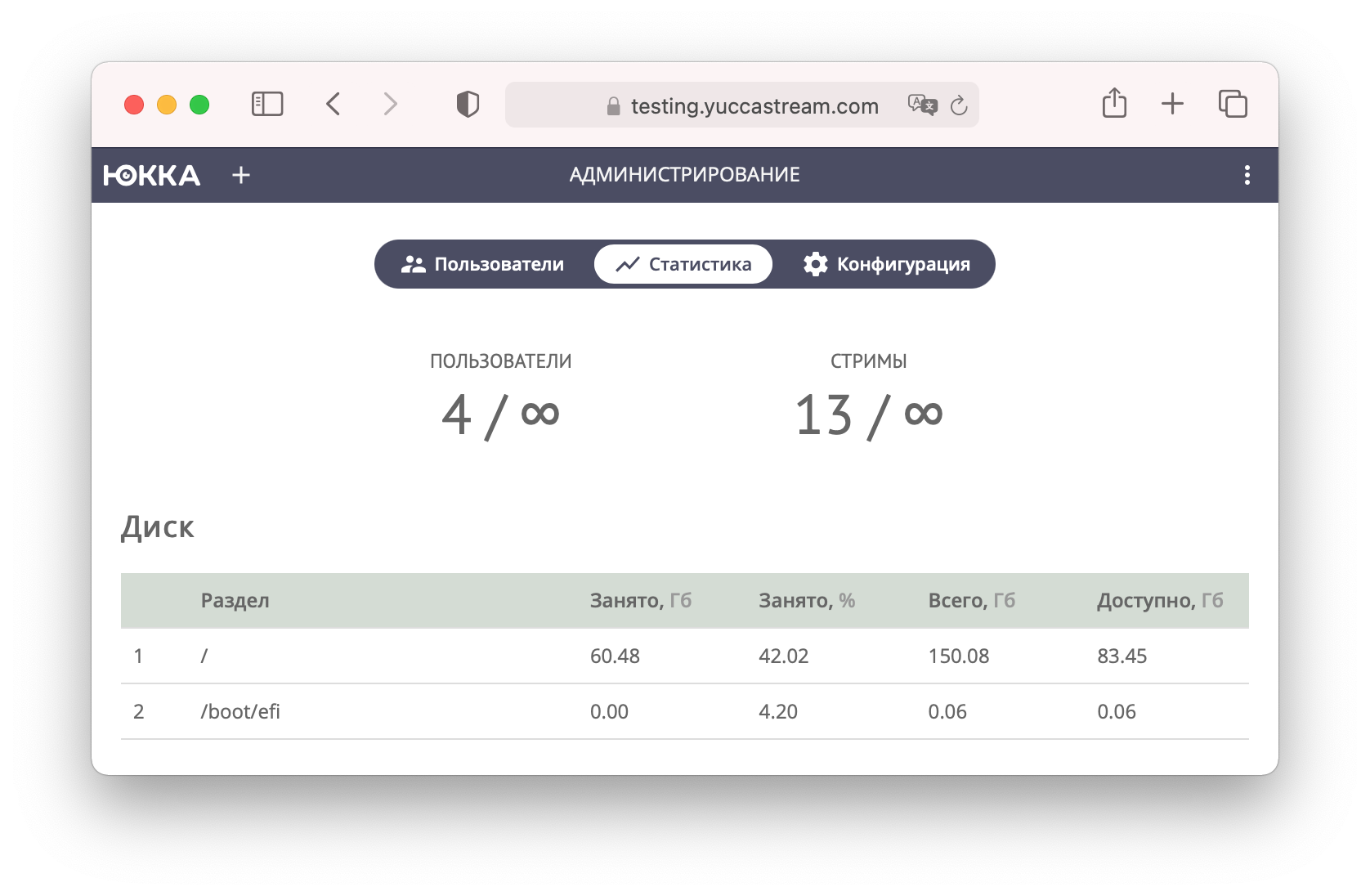
System resource statistics
We added a page with filesystem utilization statistics, so it's now easier to keep track of when the disk will run out of space.
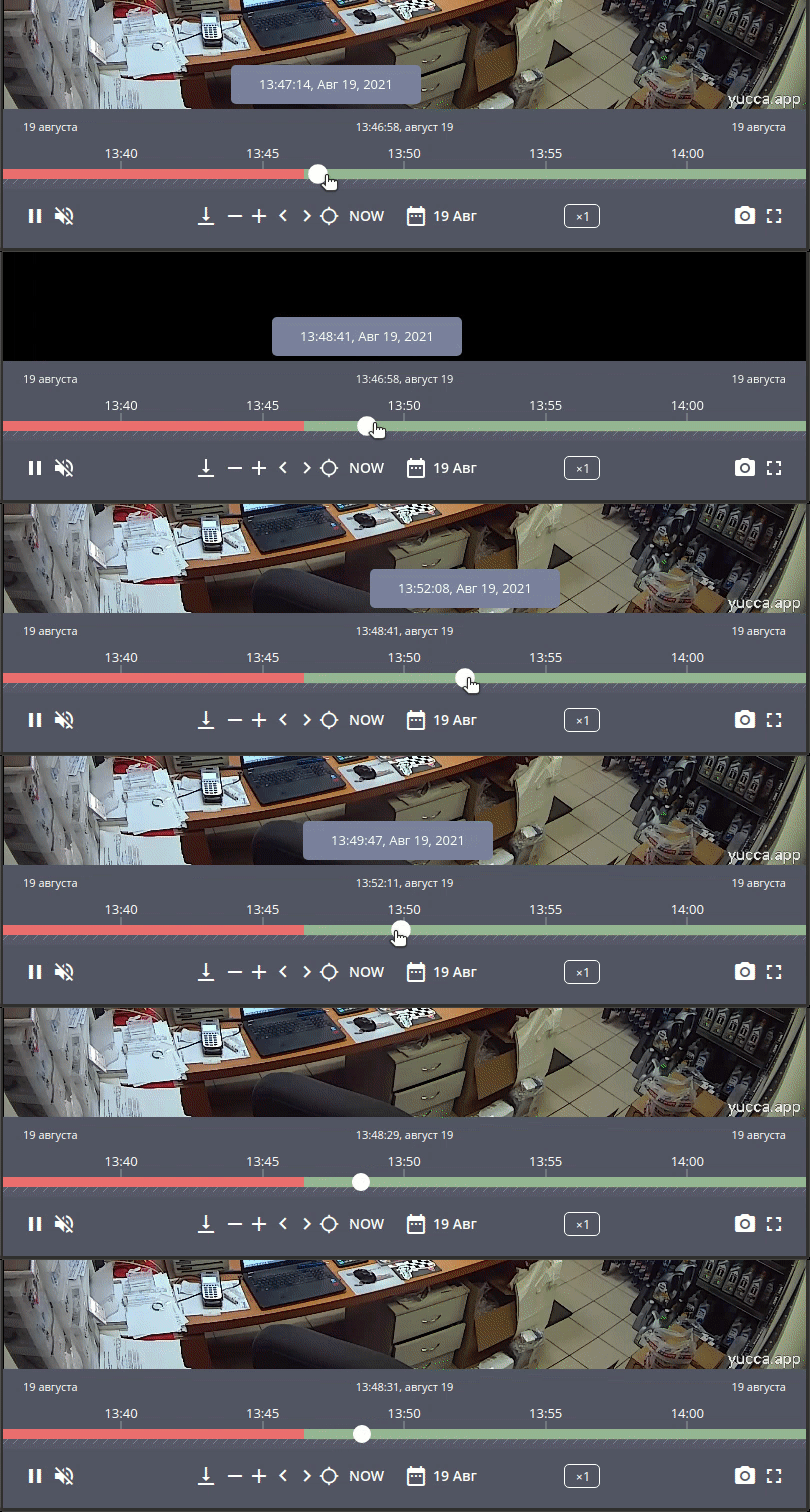
Dragging the slider
We made navigation simpler — now you can just drag the slider.
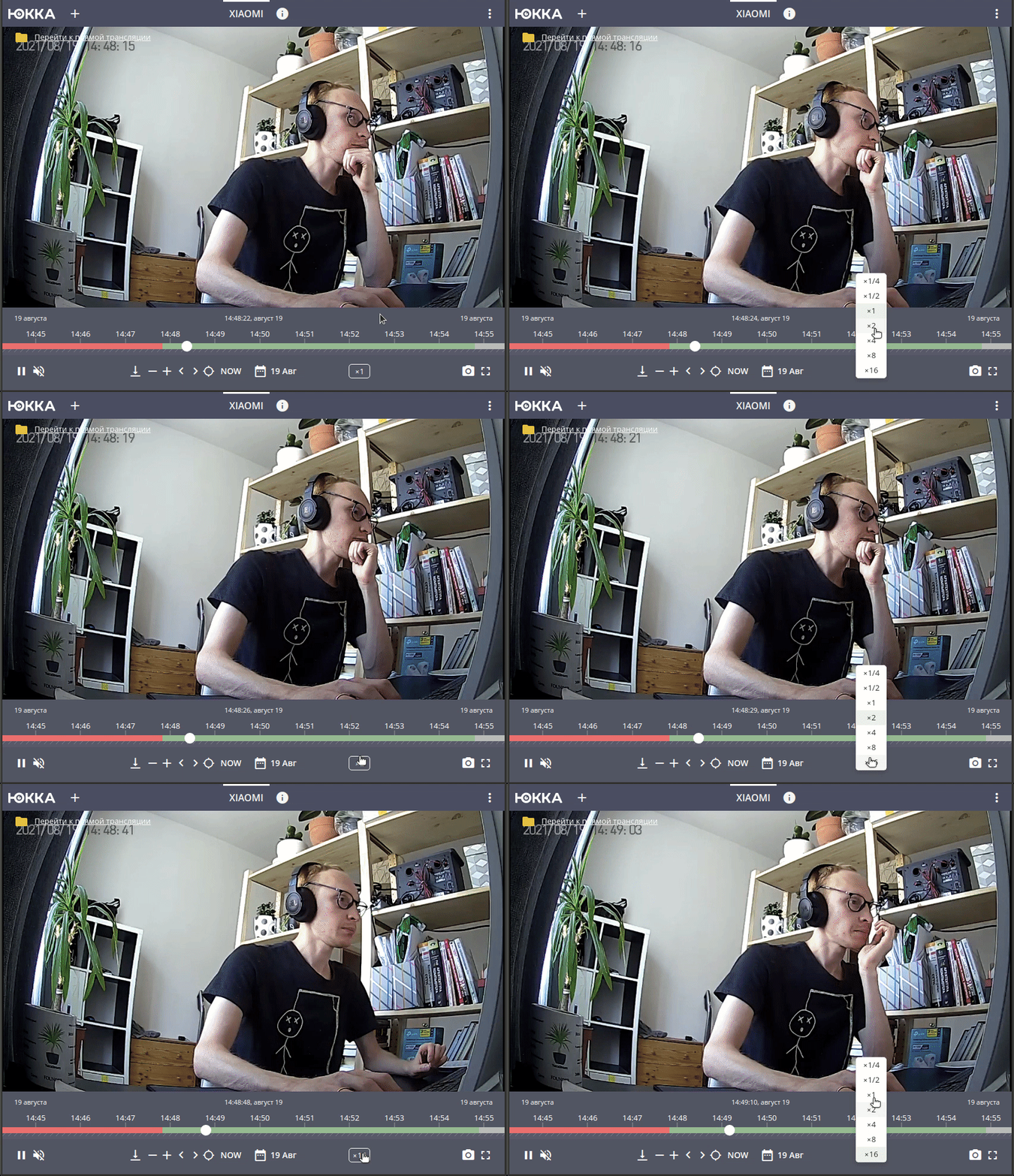
Player playback speed
We added a fast playback feature.
Yandex.Metrika
Corporate clients may want to track site visits, so we added support for the Yandex.Metrika service, making it easier for you to keep an eye on statistics. See the documentation for how to enable it.
Other changes
Added
- Read AppLogo and FavIcon from disk (#793)
- Try out the setts filter in ffmpeg (#790)
- Add archive depth to the metrics (#788)
- Update Node and VueCLI (#786)
- Add Yandex.Metrika support (#784)
- Tooltip with archive depth in the stream list (#768)
- Hide the Permissions tab on the stream page (#767)
- Handle the IncorrectLicense error on the license page (#766)
- Add FFmpeg 4.1+ support (#764)
- White Labeling links to the documentation. UI (#758)
- Add a domain flag (#754)
- New pricing link (#752)
- Dragging the slider in the player (#748)
- Button on a pop-up with a quick guide for configuring SMTP-based detection (#744)
- Message after saving stream information changes (#736)
- Show a banner when the license is about to expire. UI (#713)
- Allow adding an unavailable camera (#712)
- Annotations. Events. UI (#694)
- System resource statistics. Disk. UI (#687)
- Anchor links on page tabs (admin panel, stream) (#650)
- Show a banner when the license is about to expire. Backend (#577)
- White Labeling links to the documentation. Backend (#464)
- Player playback speed (#382)
- Working without Docker (#372)
Fixed
- bsf setts only for rtsp (#798)
- Buttons jump around on mobile in different statuses (#791)
- Reduce the Heartbeat interval (#785)
- The motion detection settings block is shown when creating a stream (#781)
- No link on the stream when the preview is unavailable (#780)
- Use YUCCA_SMTP_SERVER_ variables as documented (#777)
- Use YUCCA_EXECUTOR_LOG_LEVEL as documented (#776)
- Use YUCCA_TELEMETRY_PATH as documented (#775)
- Configuration parameter override order (#774)
- The pprof/goroutine route returns a 404 error (#773)
- "Description" is shown instead of "Source" on the stream page (#770)
- Remove autofill on the stream address field (#769)
- The LicenseExpired error allows filling out the stream form when adding (#765)
- The check for required FFmpeg modules fails on macOS (#763)
- Switching between days in the calendar doesn't work (#757)
- Pagination isn't taken into account when requesting annotations (#753)
- Duplicate SMTP events in annotations (#750)
- Playback speed setting resets when moving to the next playlist (#746)
- Fixed the wording of the hint on the camera add address field (#741)
- Empty preview for a stream in the failed status (#737)
- Error if the stream slug matches a forbidden one (#602)
- Fixed presence of
failureReason.Code: Unknownin Failed streams (#543)
What's next?
Installation instructions can be found in the Installation section.